
How to connect Deruiz APPs?

Many drivers are currently faced with a typical question: Which app actually belongs to my model?

Deruiz offers two different apps – the Deruiz App and the Deruiz Ebike App.

Depending on the model, you'll need to choose the right one to connect your bike to your smartphone and use all its features. To help you pair your e-bike seamlessly and take full advantage of the digital companion, we've put together a step-by-step guide. This will make connecting in no time – and you'll always have an overview of your rides and the condition of your bike.

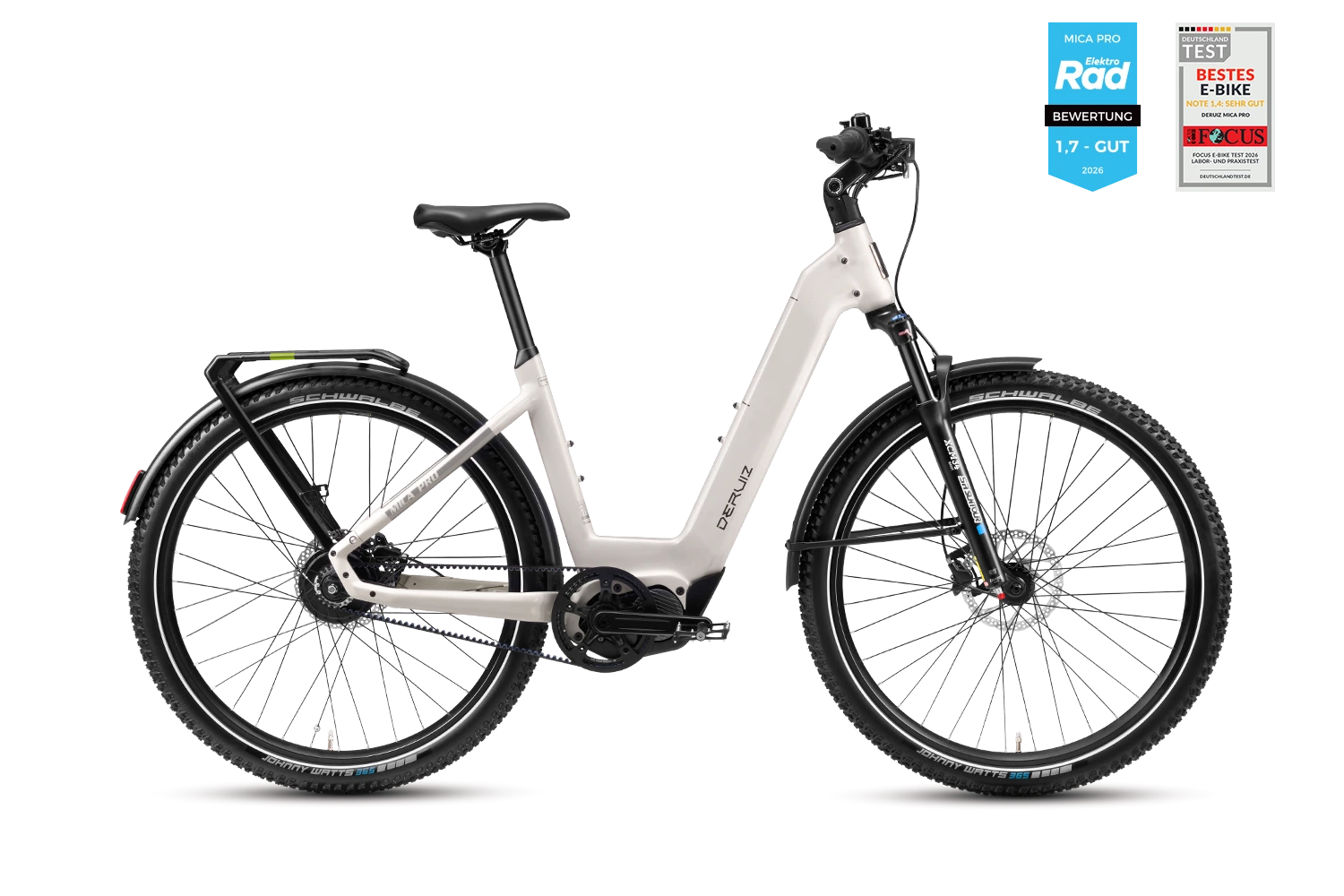
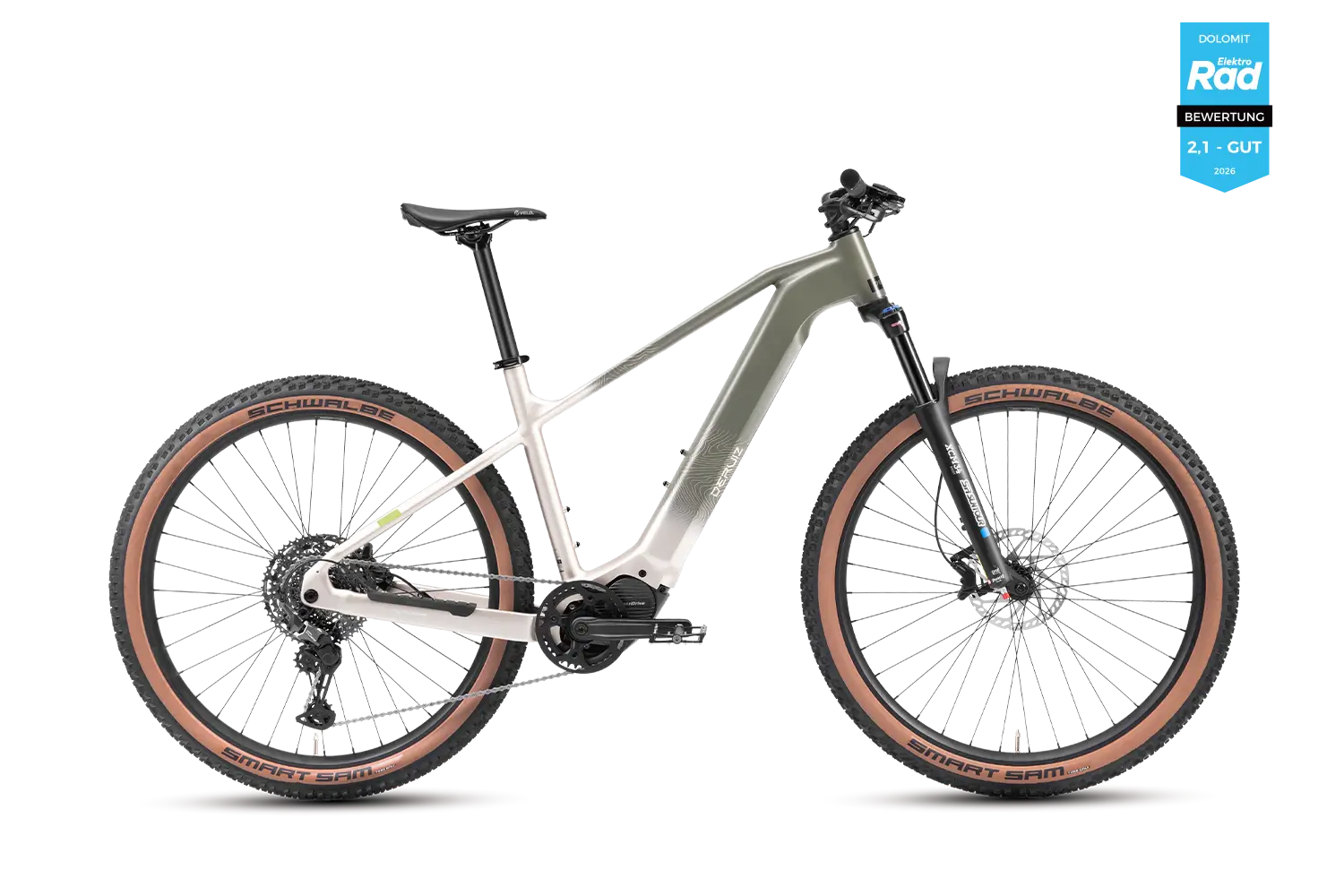
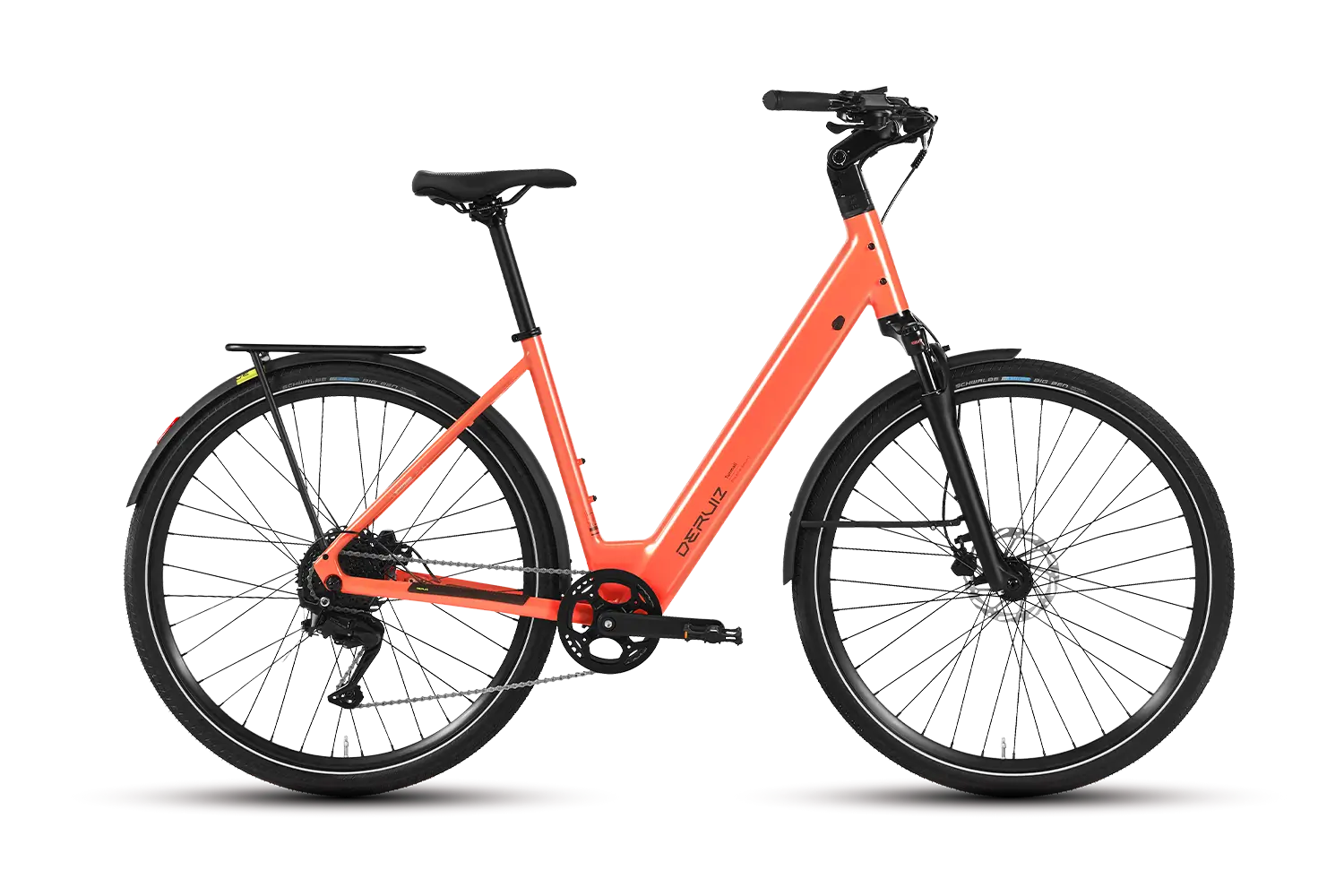
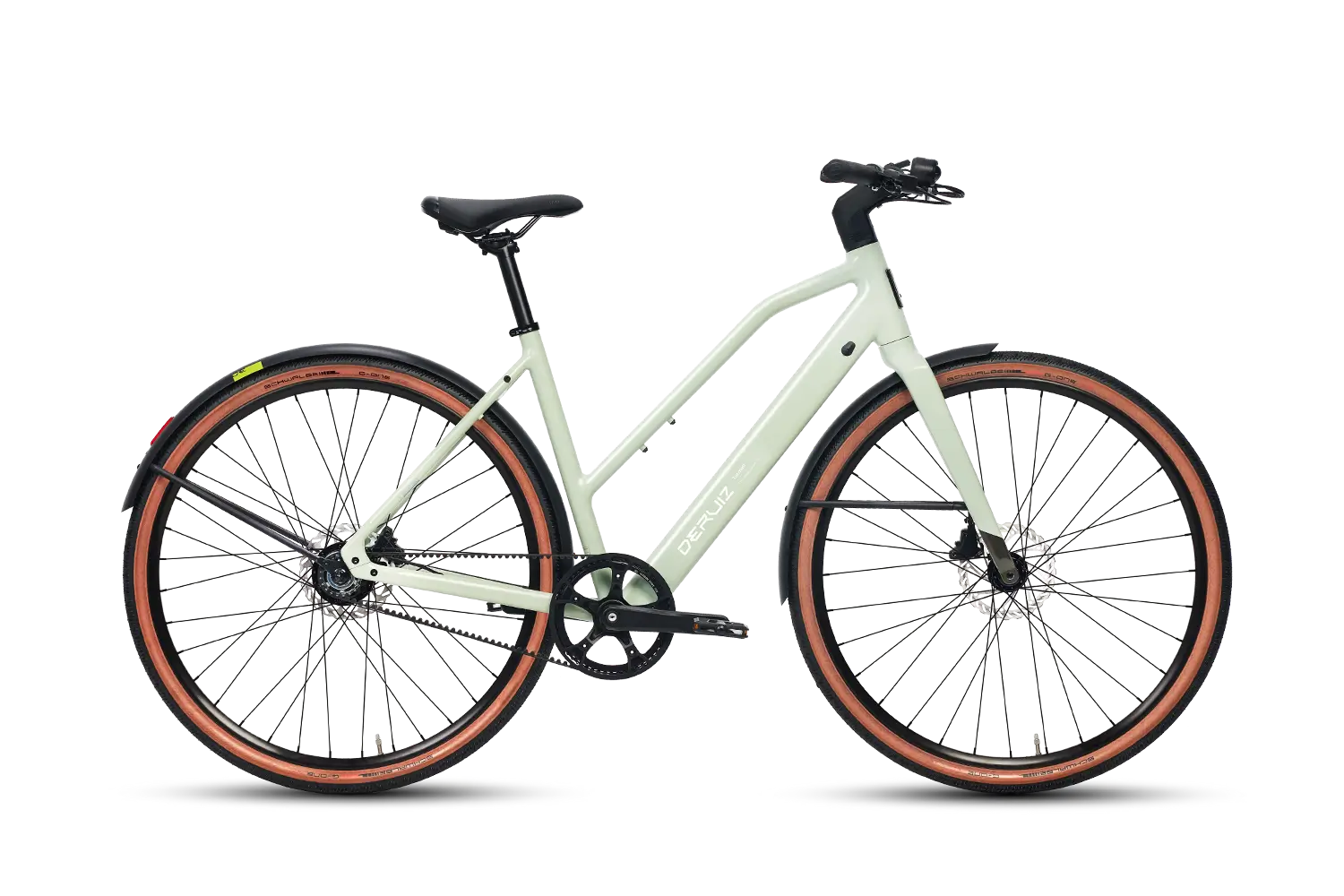
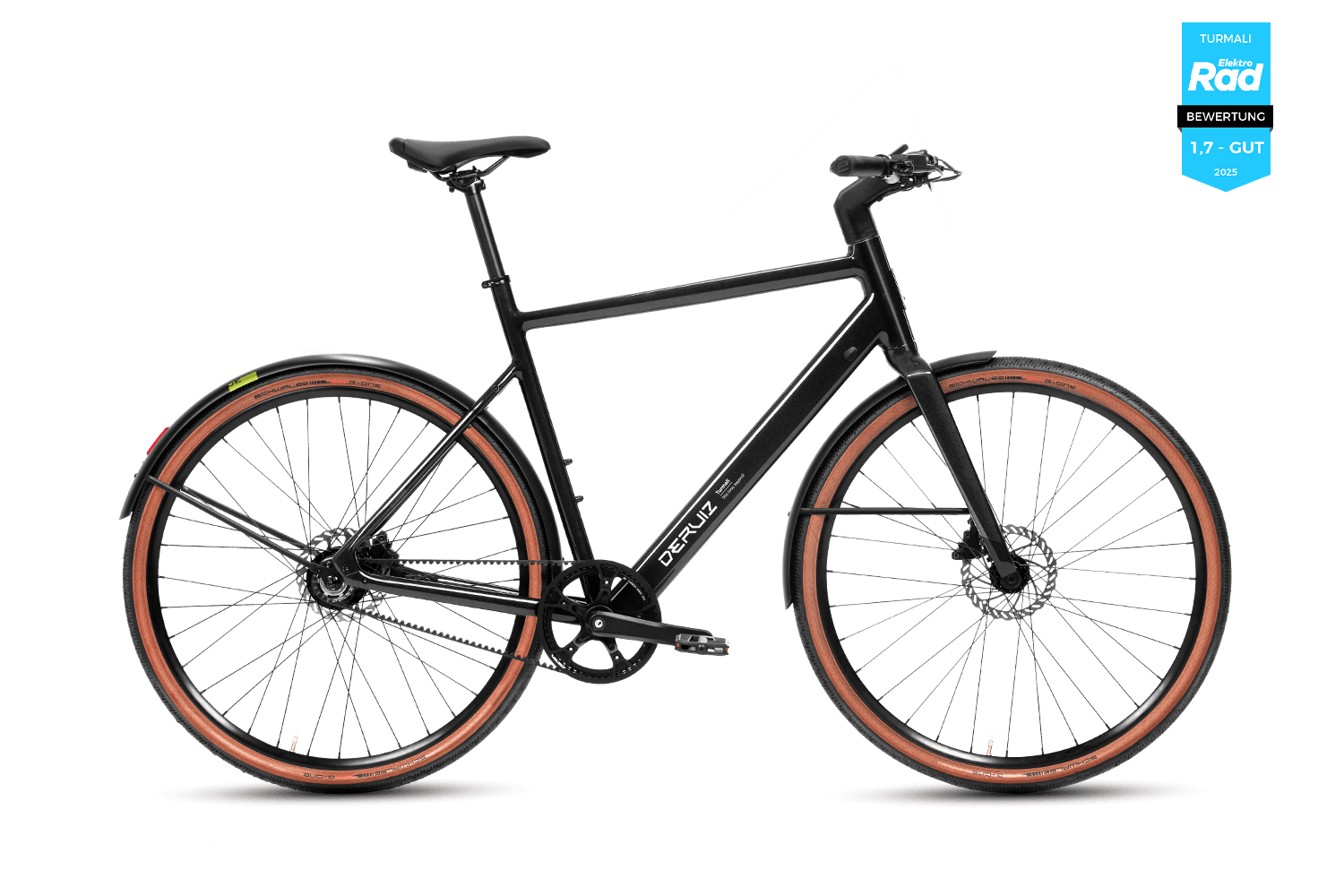
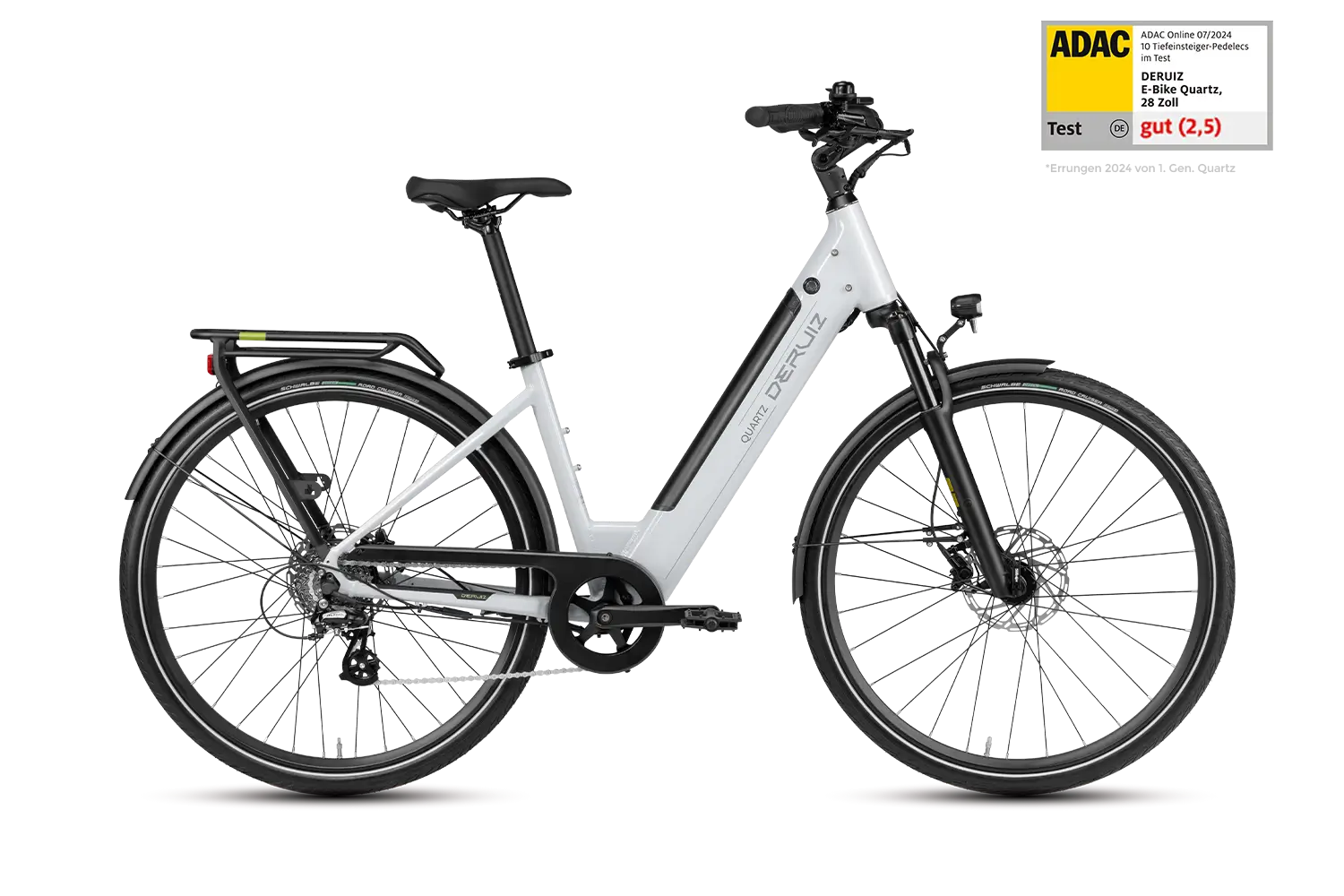
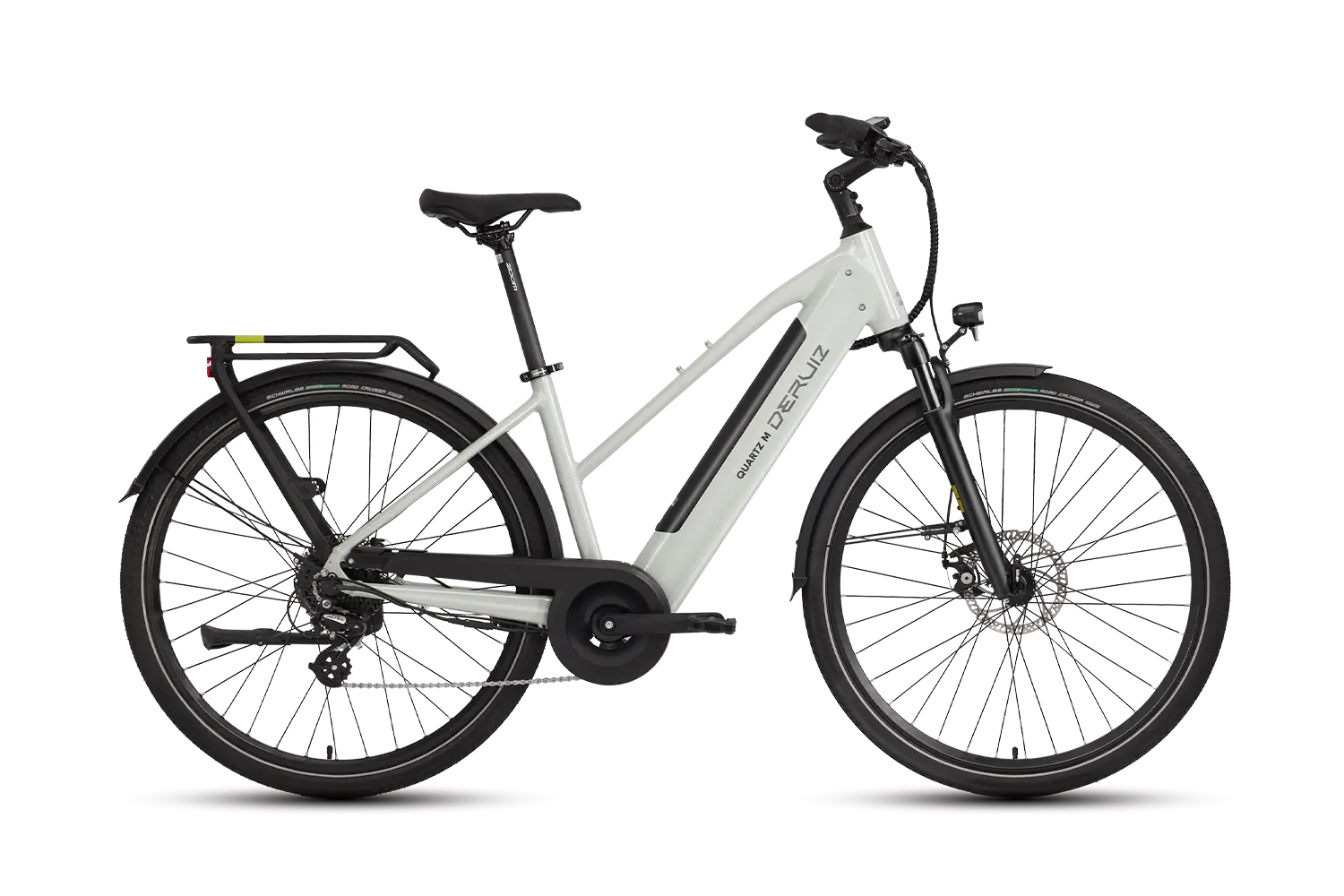
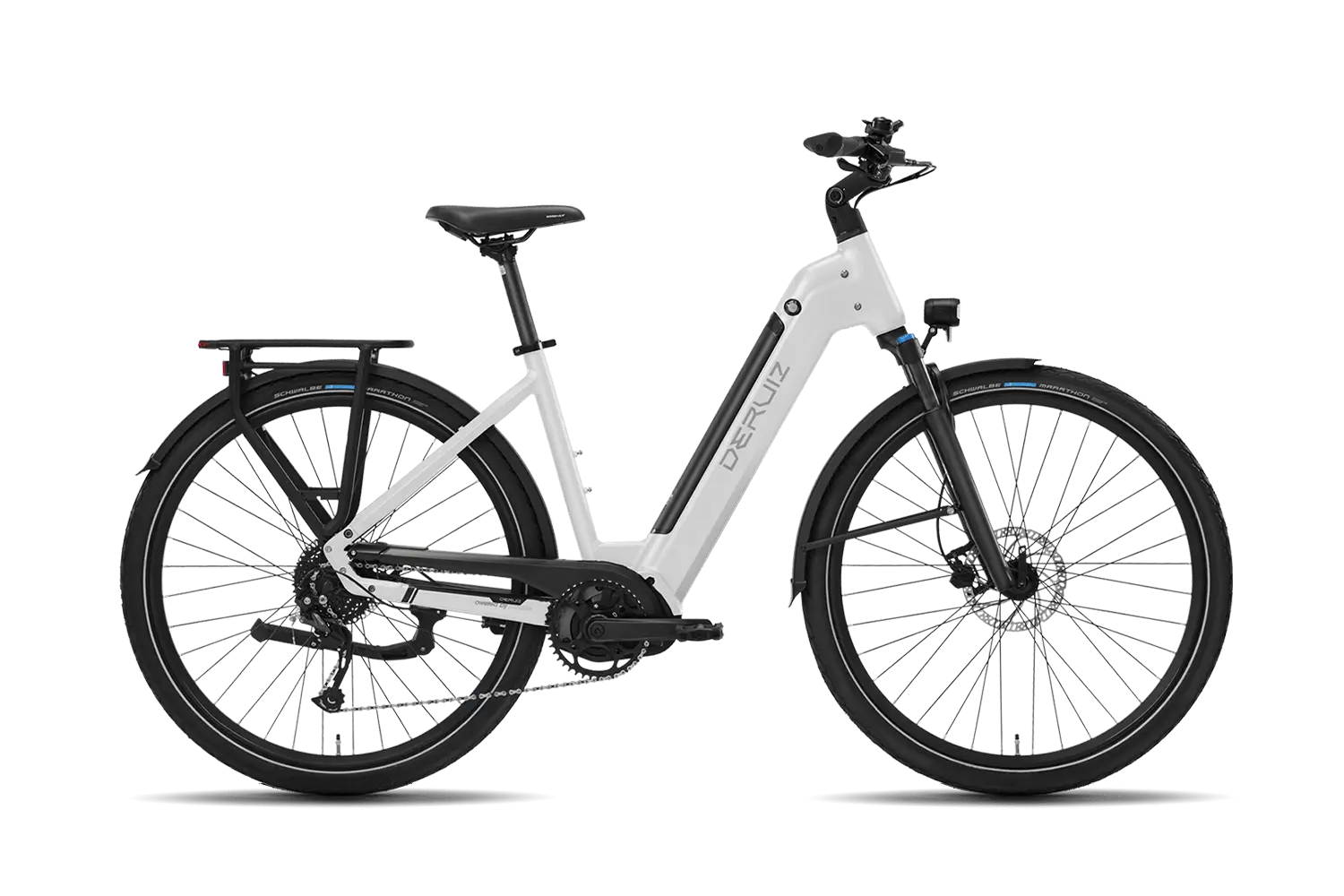
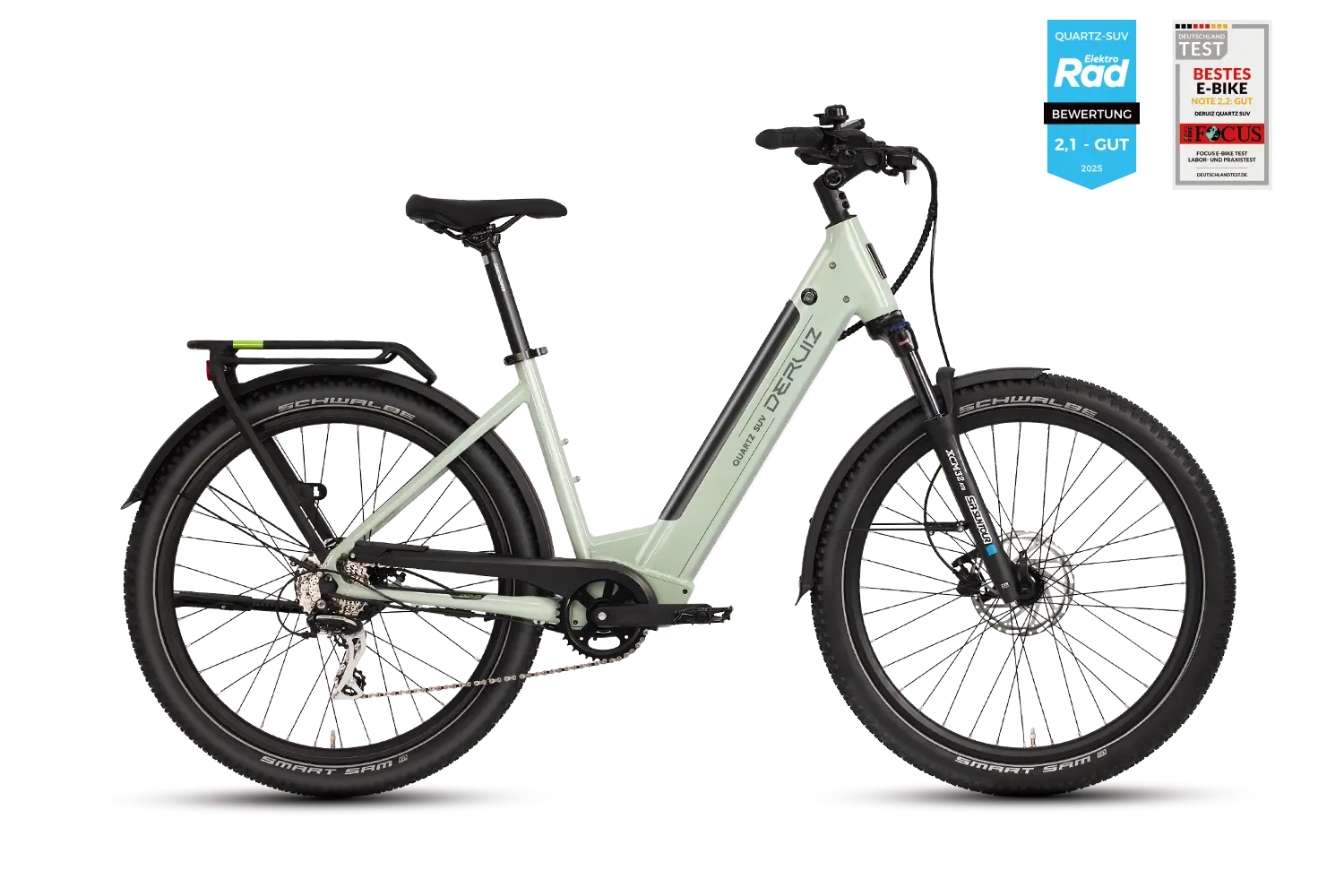
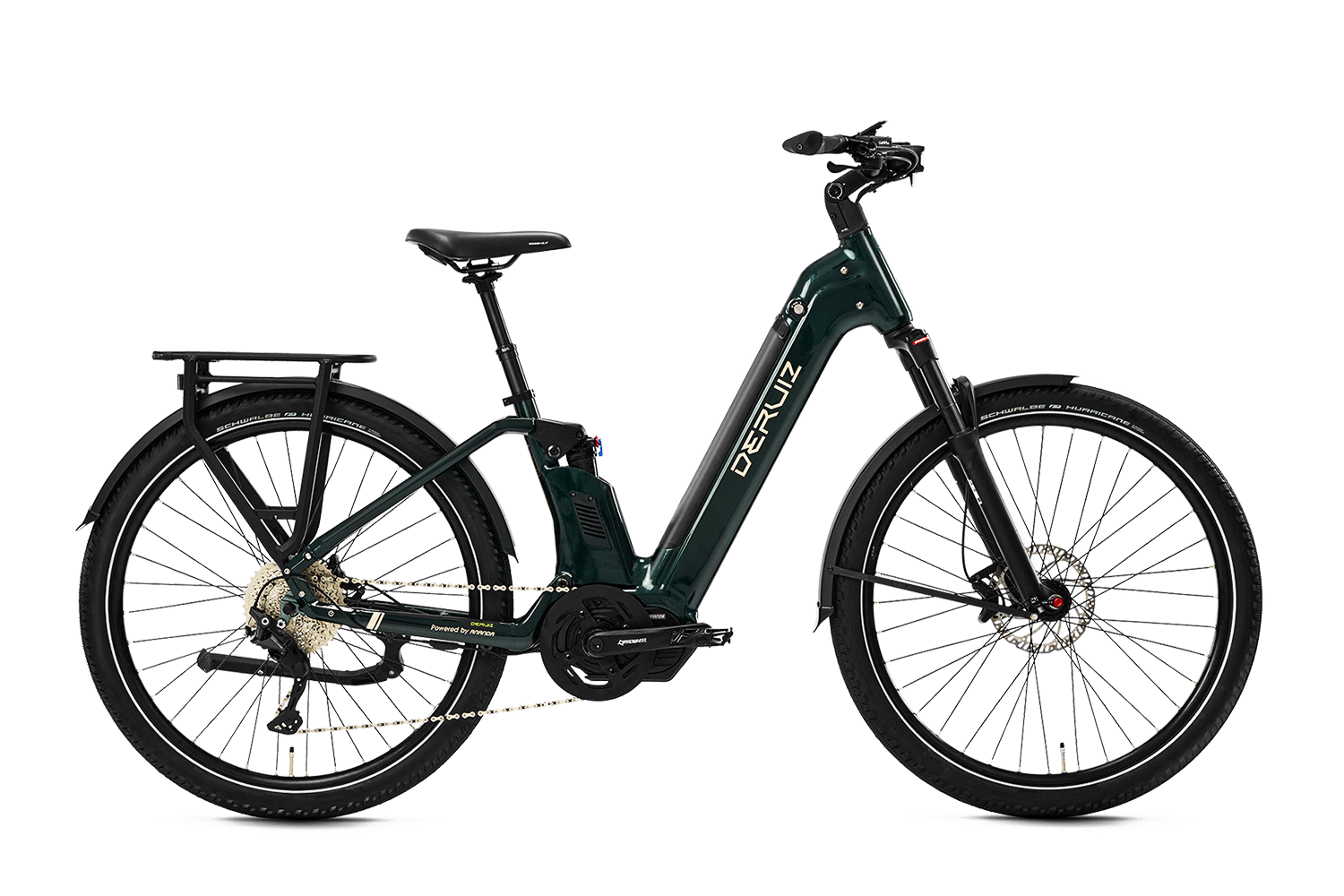
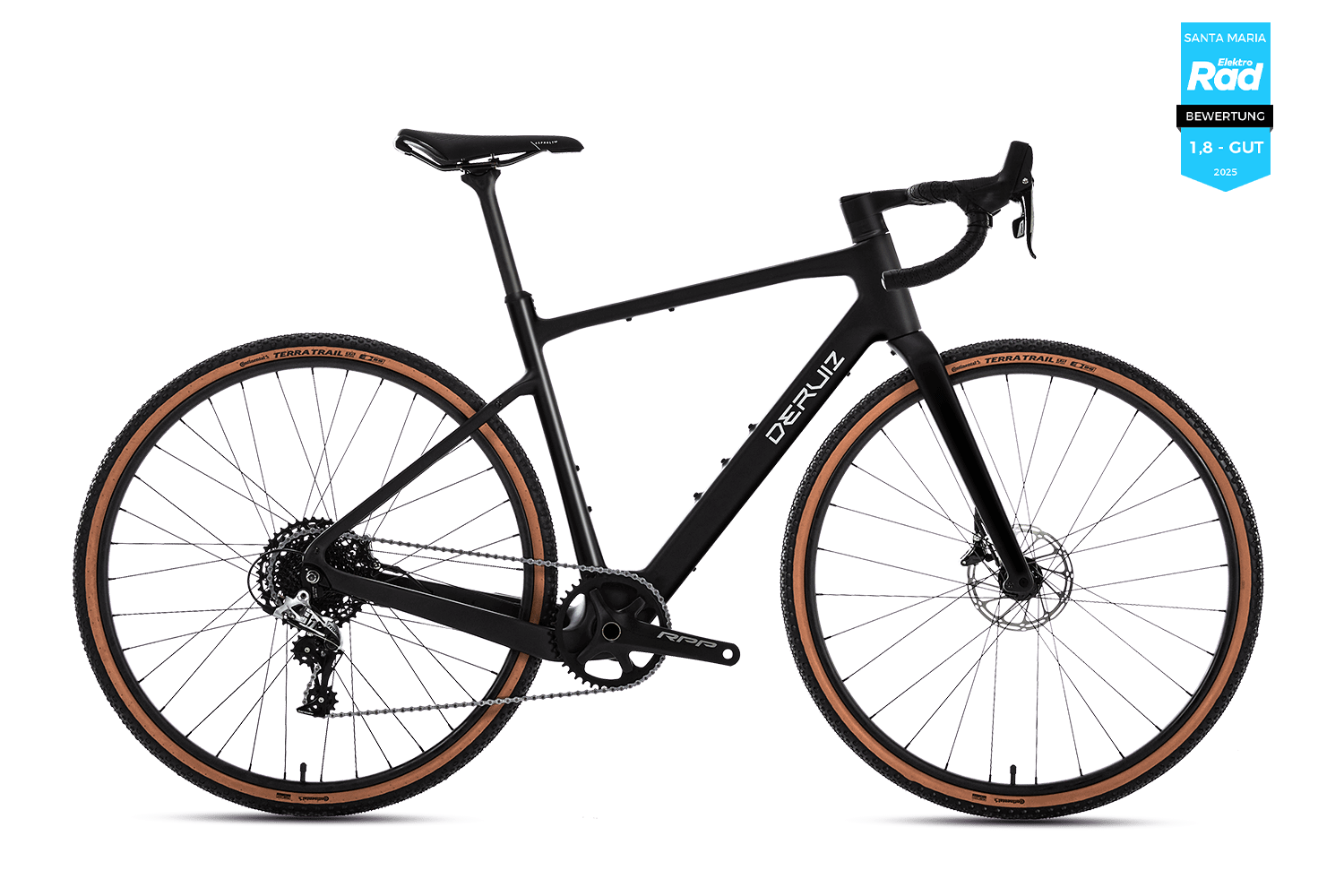
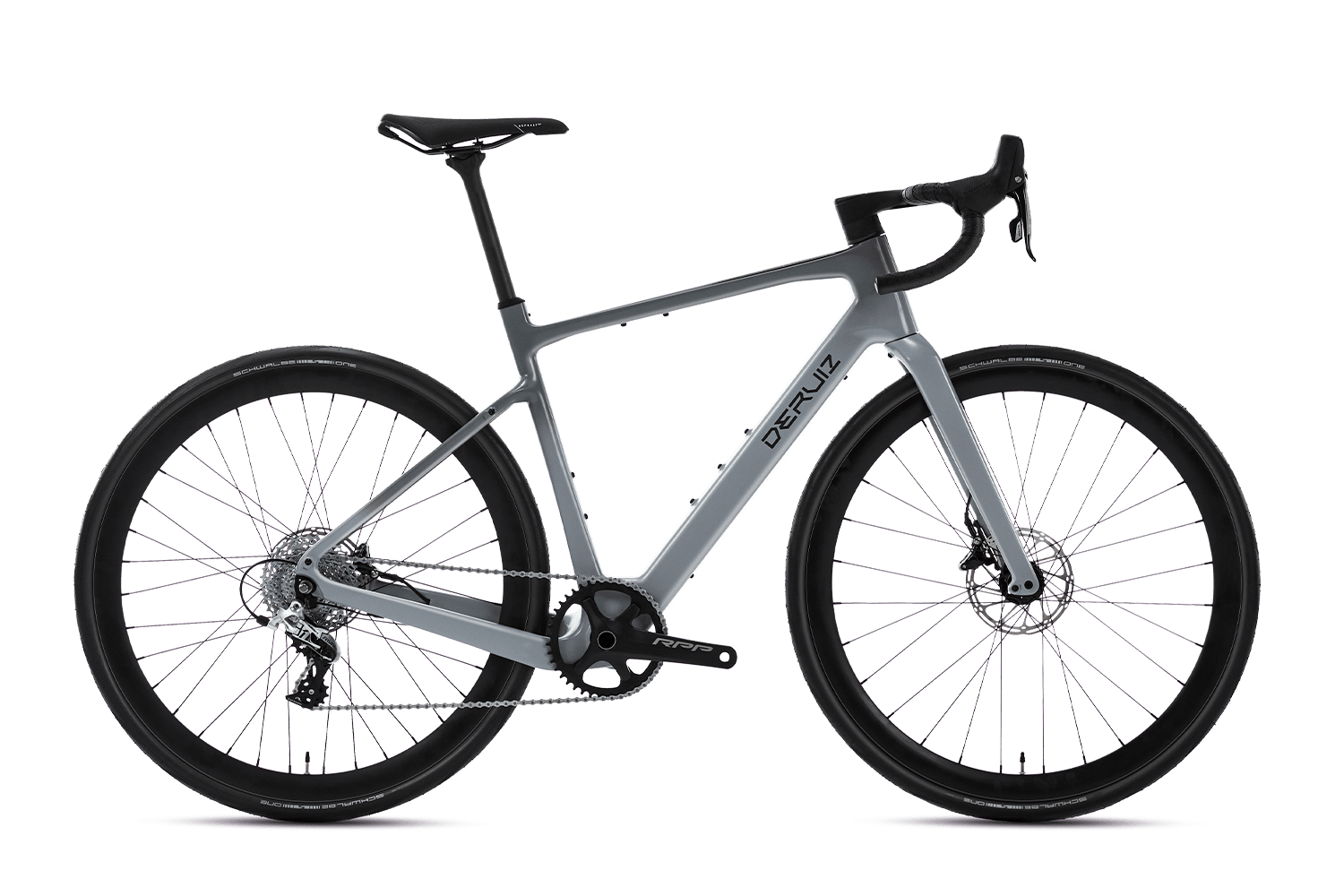
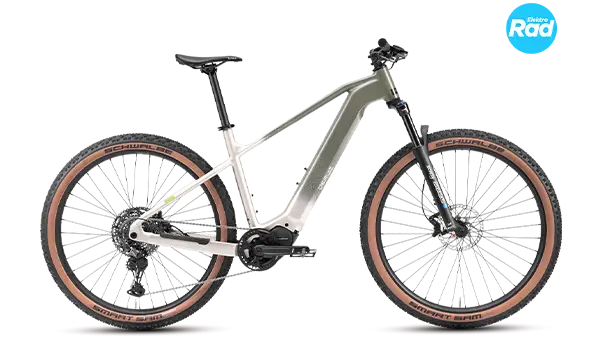
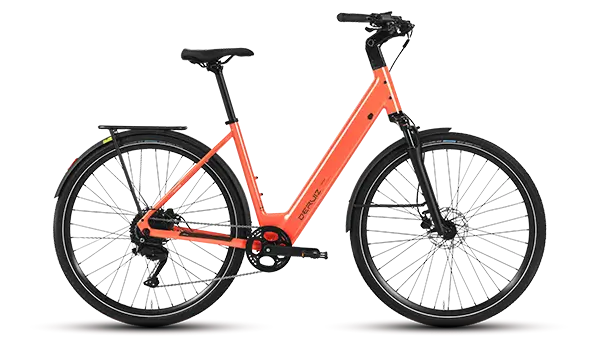
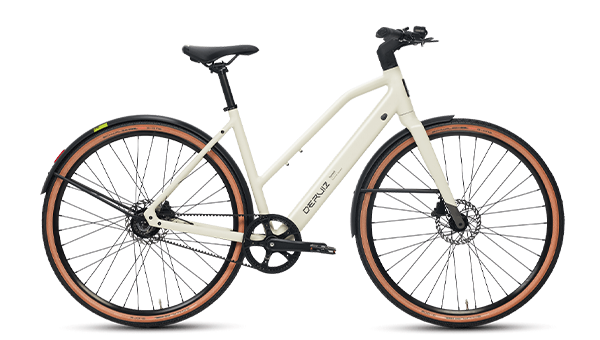
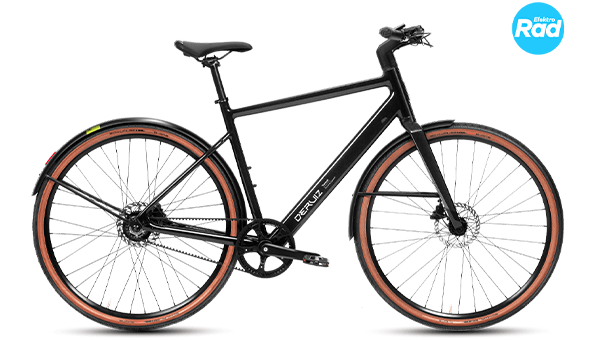
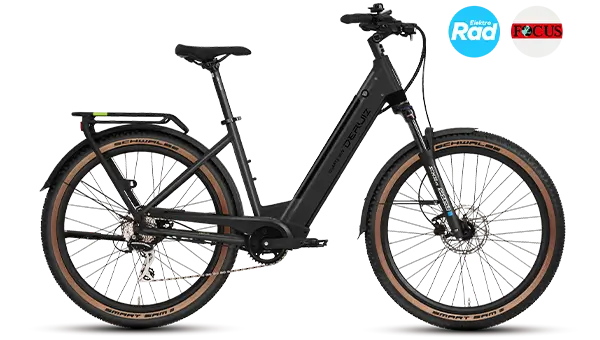
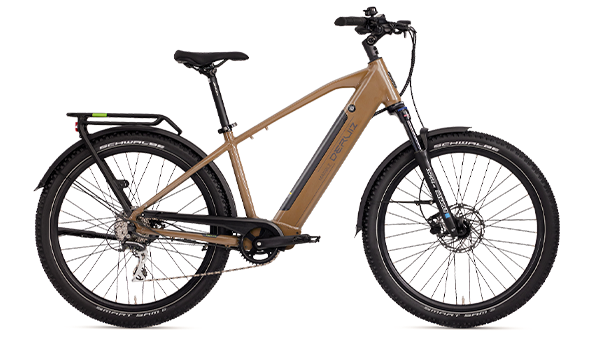
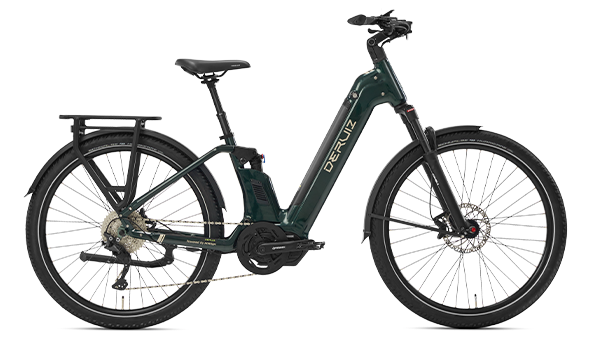
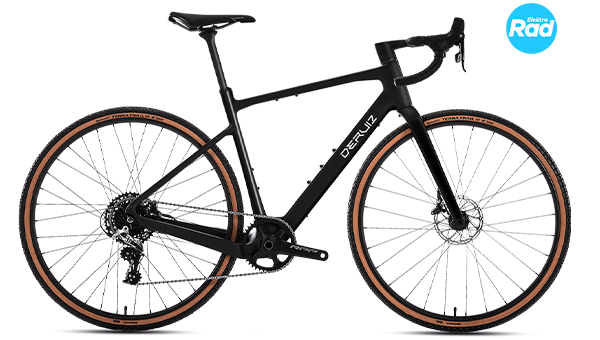
One important point to note beforehand: Choosing the right app is crucial for a smooth connection. The Deruiz e-bike app is exclusively for the following models: Turmali and Turmali Premium is provided. However, if you drive a different model, such as the Quartz, SUV or the Mica-G, you need the Deruiz app.

Connect your bike with Deruiz Ebike APP

If you have a model Turmali or Turmali Ride premium, you can order your e-bike via the Deruiz Ebike Connect the app. You can easily find and download this app from the App Store. You'll also find the corresponding QR code there.

app-logo.png

Deruiz Ebike

ios.png

IOS

Google-Play.png

google play

* Scan me with your smartphone

→ Step 1: Activate Bluetooth:

First, make sure Bluetooth is turned on on your smartphone. Then open the app and tap “Record your e-bike”to start the connection.

→ Step 2: Connect your e-bike:

The following situations may occur during the connection:

A: Already connected to other display

As you can see in the image, the e-bike is already connected to another smartphone. In this case, please take a screenshot of the display and email it to our customer service at [email protected]Please also include your frame number (starting with FZCJ/FVCJ, found under the frame), the order number, and the platform through which you purchased your bike. Our support team will be happy to assist you with the next steps.

B: E-bike is not found

This could be because Bluetooth is not working on the display of your E-Bikes is not yet activated. To activate it, press and hold the ▲ and ▼ buttons simultaneously after turning on the display until the Bluetooth symbol starts flashing. You can then try connecting your e-bike again. We've also provided a video for more detailed instructions.

video Tutorial

C: E-bike is not found even after step B

If you cannot find your e-bike in the app even after completing the previous steps, please take a photo of the HMI info on the display, as shown in the picture, and send it to our customer service ([email protected]To access the HMI info, hold down the "M" button on the display until you reach the display settings. There you can select "HMI Info" and view the corresponding display.

→ Step 3: Connection completed

After a successful connection, you will be taken directly to the e-bike view of the app. As shown in the image, you can see the current status of your E-Bikes in real time and track all important driving data.

Connect your bike with Deruiz APP

If you have one of the models Quartz/Marble, Quartz M, SUV, Mica/Mica-G or Peridot You can rent your e-bike via the Deruiz Connect the app. The app can be easily found and downloaded from the App Store – alternatively, you can use the corresponding QR code to go directly to the installation.

app-logo.png

Deruiz APP

apple

IOS

google

google play

* Scan me with your smartphone

→ Step 1: Activate Bluetooth:

First, make sure that Bluetooth is enabled on your smartphone, in the app, and on the display of your E-Bikes is activated. Then open the app and tap “Add Device”to start the connection.

→ Step 2: Connect your e-bike:

The following situations may occur during the connection:

A: Already connected to another display (app does not show anything)
Even if Bluetooth is enabled on your smartphone and the display's Bluetooth is working properly, your bike may still not be found. It's very likely that it's already connected to another display. In this case, we recommend resetting the display's Bluetooth and then reconnecting it to the app. We've already provided you with a short guide on how to reset the display. video Tutorial provided. 

B: Defective Bluetooth module on the display
If you still can't find your e-bike in the app after completing the previous steps, the Bluetooth module on the display may be defective. In this case, please send an email to our customer service at [email protected]Please include your frame number (starting with FZCJ/FVCJ under the frame), the order number, and the platform through which you purchased the bike. Also, briefly describe the problem and your previous attempts. Our support team will be happy to assist you with the next steps.

→ Step 3: Connection completed

After a successful connection, the e-bike view opens directly in the app. As shown in the image, you can see the current status of your E-Bikes in real time and see all important driving data at a glance.

This will prepare you to connect your e-bike to the app and start your first tour with the Deruiz e-bike. If you still have any questions or something isn't working as expected, don't hesitate to contact our support team – we're always happy to help!

We wish you unforgettable moments, exciting excursions and, above all, lots of fun driving with Deruiz!


                                                                                                                     Thank you for reading!
                                                                                                        Guest article by Deruiz Customer Service Team

                                                                                                         Filo & Yela & Tanja 

25 thoughts on "How to connect Deruiz APPs?"

  1. loses says:

    nice post. I learn something totally new and challenging on websites

    1. DERUIZ e-bike says:

      Thank you for reading! If you'd like to know more about any blog topics, feel free to leave a comment here!

  2. Uwe Hanisch says:

    Please ensure that the correct QR code for the right app is printed in the user manual. I had installed the wrong app and was quite frustrated. Now everything is okay.

    1. DERUIZ e-bike says:

      Thank you for your feedback. On each product page, you'll find the correct download QR code, which you can simply scan to download the app. We fully understand your concerns, and we're working diligently to standardize the apps for the various e-bike models. Soon, all customers purchasing a Deruiz e-bike will only need to download a single app.

  3. Gert Bernhardt says:

    Hello
    Which app is the right one for the Micra Pro?
    Regards, G. Bernhardt
    User manual, no app for scanning

    1. DERUIZ e-bike says:

      Hello! 😊
      The right app for the Micra Pro is the Deruiz Ebike App.
      You can easily find and download them from the App Store or Google Play.
      If you have any further questions, please feel free to send an email to [email protected]
      Send us your request – we're happy to help!
      Thank you very much and best regards!

  4. Gert Bernhardt says:

    Hello
    Everything worked perfectly the first time I used the app.
    My phone keeps saying "Download app" when I use Bluetooth; I've already deleted the app and downloaded a new one.
    This one doesn't open, and when I search, it's unsuccessful.
    To do something

    1. DERUIZ e-bike says:

      Hi
      Thank you for your message. Our customer service team will contact you as soon as possible to resolve the issue.

  5. Harald says:

    I just got the new one Quartz Purchased in 2026 – great bike!!!
    What do I need to do to make the display ready for a Bluetooth connection (flashing Bluetooth symbol)?

    1. Harald says:

      Thanks for the quick reply.
      After turning on the display, pressing the ▲ and ▼ buttons simultaneously takes me to the settings menu (tC no…?). No flashing Bluetooth symbol!!!???

      1. DERUIZ e-bike says:

        Good day,
        Thank you very much for your message and for your positive feedback on the Quartz 2026 – we are very happy about that!
        With this model, you can connect the display to the Deruiz E-Bike App immediately after switching it on.
        Should you have any further questions, please feel free to contact us. [email protected]Our support team will help you as quickly as possible.

    2. DERUIZ e-bike says:

      Good day,
      Thank you very much for your message and for your positive feedback on the Quartz 2026 – we are very happy about that!
      With this model, you can connect the display to the Deruiz E-Bike App immediately after switching it on.
      Should you have any further questions, please feel free to contact us. [email protected]Our support team will help you as quickly as possible.

  6. Udo says:

    Hello, my Deruiz app won't open; the clock just keeps spinning. I've already tried everything, like clearing the cache, uninstalling and reinstalling, etc. I have a Google Pixel 10. It worked fine with my iPad. Can you help me?

    1. DERUIZ e-bike says:

      We are sorry you encountered this problem. Our support team has already contacted you to resolve it. Thank you for your understanding and cooperation!

  7. cook says:

    I have the new Quartz Purchased in 2026!!!
    What do I need to press to make the display ready for a Bluetooth connection, i.e., to see a flashing Bluetooth symbol?!

    1. DERUIZ e-bike says:

      Good day,
      Thank you for your message.
      With this model, you can connect the display to the Deruiz E-Bike App immediately after switching it on.
      Should you have any further questions, please feel free to contact us. [email protected]Our support team will help you as quickly as possible.

  8. Udo says:

    Unfortunately, no contact has taken place so far.

    1. DERUIZ e-bike says:

      Hi
      Thank you for your message. Your request has already been processed by our technical team. Please first uninstall the old app, clear the cache, and then install the new software. Then check if the link works.
      If the problem persists, please send us a video of the problem to the following email address: [email protected].
      Thank you for your help!

  9. Udo says:

    It worked! Thank you so much for your help! 👍👌

    1. DERUIZ e-bike says:

      Hello, we're so glad we could help! We hope you enjoy cycling! 🚲

  10. Heidi Lechner says:

    Hello, I have a Deruiz Quartz I bought the 2026 model. The display indicates that it wants a code, but I don't have one.
    How can I reset the display?

    1. deruiz_hallo says:

      Hello, our customer service team has already contacted you to help you with this issue.
      Please check your email inbox (and also your spam folder if necessary).
      Thank you for your patience!

  11. bodojoerg says:

    Which pedal sensor does it have? Quartz SUV 2026. On your website under Technical Data, it says: Torque sensor/ Cadence sensor. But these are two different sensors, a torque sensor and a cadence sensor (rotational speed sensor). Which sensor is in the Quartz SUV Installed in 2026?
    Regards, Jörg Schmelter

    1. DERUIZ e-bike says:

      Thank you for your request!
      The Quartz SUV The 2026 model has a torque sensor as its main sensor.
      The term "torque/cadence sensor" describes the system logic. In practice, the assistance is controlled via the torque sensor and optimized by software to create a very smooth and natural riding experience.
      We will be happy to assist you with any further questions.

Leave a Comment

Your e-mail address will not be published. Required fields are marked with * marked

Special article

-15%
Signature Black
Airy Blue
Yves Klein Blue
Black opal

Turmali M/L 2026

1.699,00  - 1.899,00 
The Turmali M/L stands for urbanIt's driving in its purest form. Light, efficient, and with a clean design, it combines agility, comfort, and everyday usability for modern urban mobility. Depending on the drive system, this manifests itself in various ways. Turmali M/L Available in two distinct styles: The belt-drive version impresses with its quiet, clean, and virtually maintenance-free operation. It comes in Signature Black, Airy Blue, Black Opal, and Yves Klein Blue. The chain-drive version offers a powerful yet agile ride – on asphalt, cobblestones, or gravel. It comes in Signature Black and Airy Blue.
Choose Option This product has several variants. The options can be selected on the product page
Dark Graphite
Mineral White
Tanzanite Blue

Peridot 2026

1.699,00 
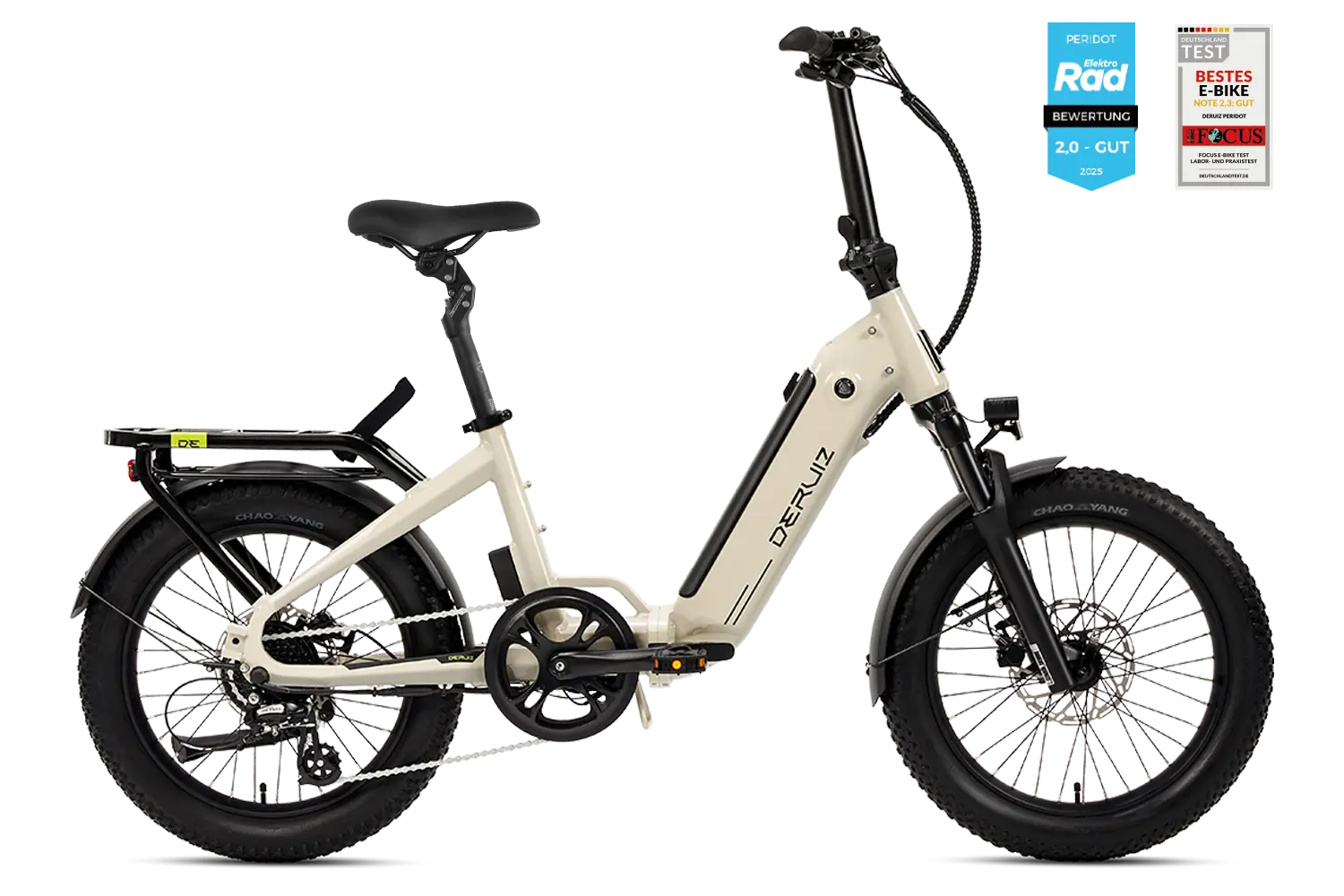
Whether in the trunk, on the train, or in your motorhome – the Peridot goes wherever you go.<br> Its 20-inch design folds down in seconds, and the 500 Wh battery takes you up to 140 km on a single charge. With its low step-through frame, stable geometry, and 55 Nm of torque, it rides as effortlessly as it stores away.
Choose Option This product has several variants. The options can be selected on the product page
-6%
Volcanic Black
Sage Green Gloss

Quartz SUV 2026

Original price was: €1.699,00Current price is: €1.599,00.
The Quartz SUV enters its next stage of development. With optimized sensor technology, a new color display and extended app connectivity, the riding experience becomes noticeably more precise and intuitive. Whether in urban traffic, on gravel paths or weekend rides: the 48-V rear hub motor with 55 Nm torque and wide 27,5-inch tires ensure stable control and confident propulsion across a wide range of riding conditions. Awarded in independent tests, the Quartz SUV 2026 stands out as an exceptionally versatile e-bike for both everyday use and light off-road riding. Delivery expected from June 22th.
Choose Option This product has several variants. The options can be selected on the product page

Previous events

25 thoughts on "How to connect Deruiz APPs?"

  1. loses says:

    nice post. I learn something totally new and challenging on websites

    1. DERUIZ e-bike says:

      Thank you for reading! If you'd like to know more about any blog topics, feel free to leave a comment here!

  2. Uwe Hanisch says:

    Please ensure that the correct QR code for the right app is printed in the user manual. I had installed the wrong app and was quite frustrated. Now everything is okay.

    1. DERUIZ e-bike says:

      Thank you for your feedback. On each product page, you'll find the correct download QR code, which you can simply scan to download the app. We fully understand your concerns, and we're working diligently to standardize the apps for the various e-bike models. Soon, all customers purchasing a Deruiz e-bike will only need to download a single app.

  3. Gert Bernhardt says:

    Hello
    Which app is the right one for the Micra Pro?
    Regards, G. Bernhardt
    User manual, no app for scanning

    1. DERUIZ e-bike says:

      Hello! 😊
      The right app for the Micra Pro is the Deruiz Ebike App.
      You can easily find and download them from the App Store or Google Play.
      If you have any further questions, please feel free to send an email to [email protected]
      Send us your request – we're happy to help!
      Thank you very much and best regards!

  4. Gert Bernhardt says:

    Hello
    Everything worked perfectly the first time I used the app.
    My phone keeps saying "Download app" when I use Bluetooth; I've already deleted the app and downloaded a new one.
    This one doesn't open, and when I search, it's unsuccessful.
    To do something

    1. DERUIZ e-bike says:

      Hi
      Thank you for your message. Our customer service team will contact you as soon as possible to resolve the issue.

  5. Harald says:

    I just got the new one Quartz Purchased in 2026 – great bike!!!
    What do I need to do to make the display ready for a Bluetooth connection (flashing Bluetooth symbol)?

    1. Harald says:

      Thanks for the quick reply.
      After turning on the display, pressing the ▲ and ▼ buttons simultaneously takes me to the settings menu (tC no…?). No flashing Bluetooth symbol!!!???

      1. DERUIZ e-bike says:

        Good day,
        Thank you very much for your message and for your positive feedback on the Quartz 2026 – we are very happy about that!
        With this model, you can connect the display to the Deruiz E-Bike App immediately after switching it on.
        Should you have any further questions, please feel free to contact us. [email protected]Our support team will help you as quickly as possible.

    2. DERUIZ e-bike says:

      Good day,
      Thank you very much for your message and for your positive feedback on the Quartz 2026 – we are very happy about that!
      With this model, you can connect the display to the Deruiz E-Bike App immediately after switching it on.
      Should you have any further questions, please feel free to contact us. [email protected]Our support team will help you as quickly as possible.

  6. Udo says:

    Hello, my Deruiz app won't open; the clock just keeps spinning. I've already tried everything, like clearing the cache, uninstalling and reinstalling, etc. I have a Google Pixel 10. It worked fine with my iPad. Can you help me?

    1. DERUIZ e-bike says:

      We are sorry you encountered this problem. Our support team has already contacted you to resolve it. Thank you for your understanding and cooperation!

  7. cook says:

    I have the new Quartz Purchased in 2026!!!
    What do I need to press to make the display ready for a Bluetooth connection, i.e., to see a flashing Bluetooth symbol?!

    1. DERUIZ e-bike says:

      Good day,
      Thank you for your message.
      With this model, you can connect the display to the Deruiz E-Bike App immediately after switching it on.
      Should you have any further questions, please feel free to contact us. [email protected]Our support team will help you as quickly as possible.

  8. Udo says:

    Unfortunately, no contact has taken place so far.

    1. DERUIZ e-bike says:

      Hi
      Thank you for your message. Your request has already been processed by our technical team. Please first uninstall the old app, clear the cache, and then install the new software. Then check if the link works.
      If the problem persists, please send us a video of the problem to the following email address: [email protected].
      Thank you for your help!

  9. Udo says:

    It worked! Thank you so much for your help! 👍👌

    1. DERUIZ e-bike says:

      Hello, we're so glad we could help! We hope you enjoy cycling! 🚲

  10. Heidi Lechner says:

    Hello, I have a Deruiz Quartz I bought the 2026 model. The display indicates that it wants a code, but I don't have one.
    How can I reset the display?

    1. deruiz_hallo says:

      Hello, our customer service team has already contacted you to help you with this issue.
      Please check your email inbox (and also your spam folder if necessary).
      Thank you for your patience!

  11. bodojoerg says:

    Which pedal sensor does it have? Quartz SUV 2026. On your website under Technical Data, it says: Torque sensor/ Cadence sensor. But these are two different sensors, a torque sensor and a cadence sensor (rotational speed sensor). Which sensor is in the Quartz SUV Installed in 2026?
    Regards, Jörg Schmelter

    1. DERUIZ e-bike says:

      Thank you for your request!
      The Quartz SUV The 2026 model has a torque sensor as its main sensor.
      The term "torque/cadence sensor" describes the system logic. In practice, the assistance is controlled via the torque sensor and optimized by software to create a very smooth and natural riding experience.
      We will be happy to assist you with any further questions.

Leave a Comment

Your e-mail address will not be published. Required fields are marked with * marked