


 >
>
 >
>
 >
>
Simple instructions
The frame number is usually located below the frame tube and usually begins with FZCJ or FVCJ, or it is available as a QR code. Every bicycle has a unique frame number, which allows all vehicle-specific information to be identified. Therefore, when contacting us in case of a bicycle problem, please provide the frame number along with the purchase platform and order number.
The maximum speed of our Deruiz E-Bikes The speed limiter is set to 25 km/h. This setting complies with current EU standards for EPAC bicycles (including EN 15194) and ensures your safety and legal compliance. It also guarantees your own safety, allowing you to maintain safe control of the bicycle at all times. Increasing or changing this speed is not possible.
Please perform the following steps for verification first:
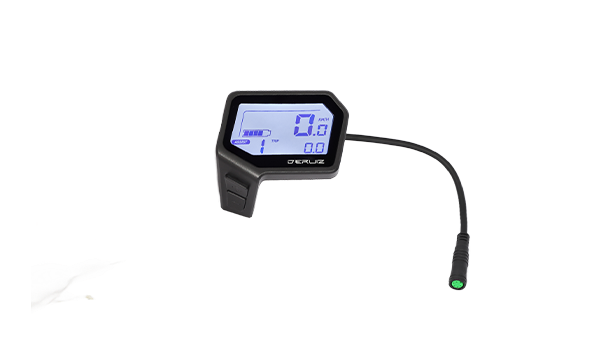
1. Check the cable connections between the display and the controller.
2. Ensure the battery is charged, press the battery button, and note the LED color and whether the battery is switched on. If no LED is lit, the battery may be in sleep mode; hold the button down longer or activate the battery by charging it.
3. Please also check if the display starts up when you press and hold the power button. If the display still doesn't turn on, please contact us at [email protected] Please tell us about your problem, the results of the above-mentioned tests (picture or video), the frame number, the purchase platform and the order number so that we can help you.
Condensation on the display is usually caused by large temperature differences between indoors and outdoors. Please don't worry, the condensation typically disappears on its own once the temperature rises, and it will not affect the use of the bicycle. However, should the condensation persist and impair the display, please contact us at [email protected] Please tell us about the problem, as well as your frame number, the purchase platform and the order number, so that we can help you.
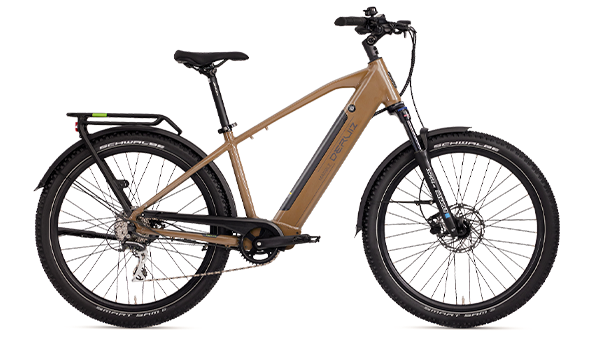
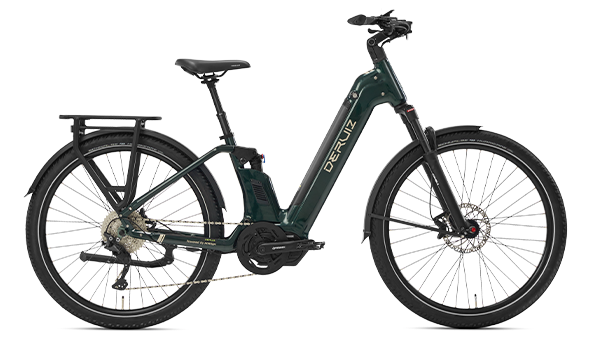
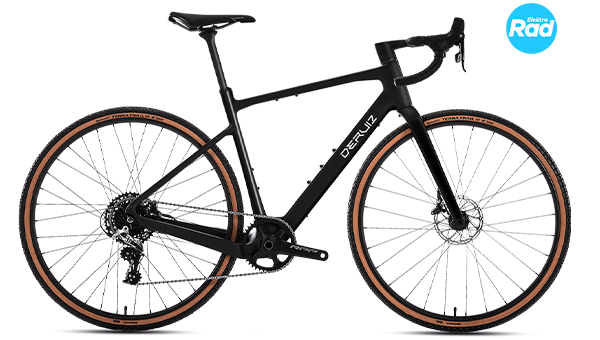
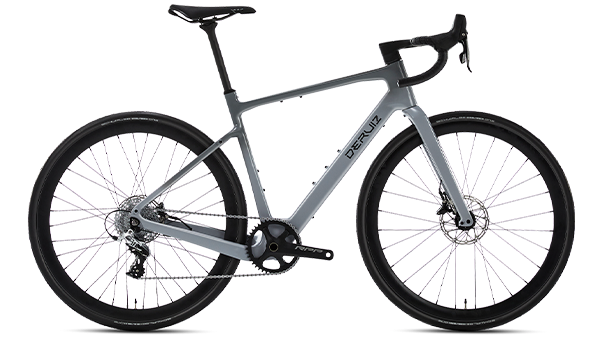
This may be related to the wheel diameter. Please first check if the display settings have been changed. The factory wheel diameters are as follows:
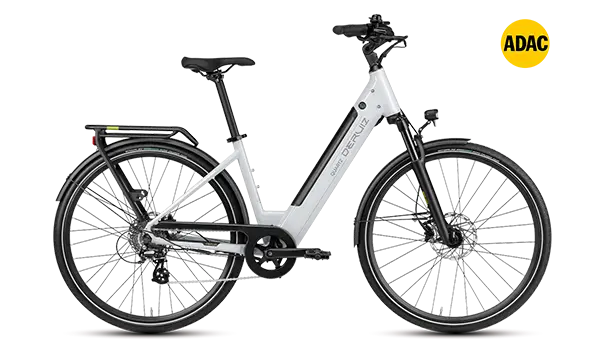
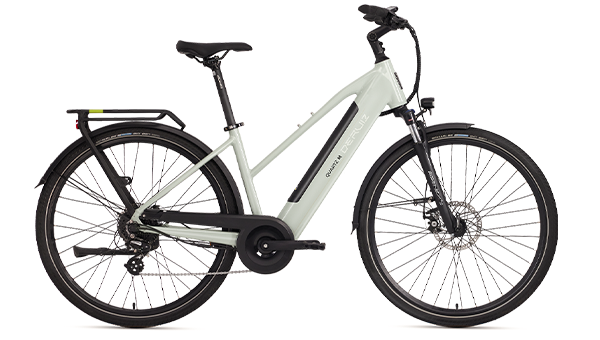
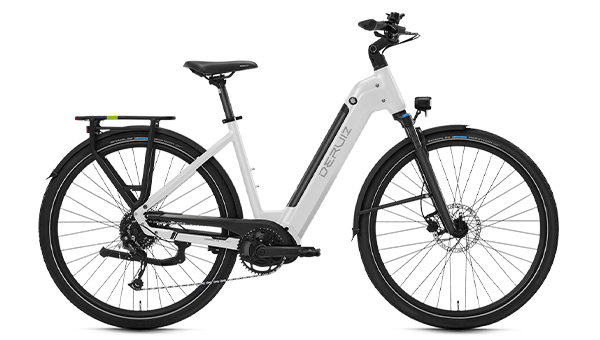
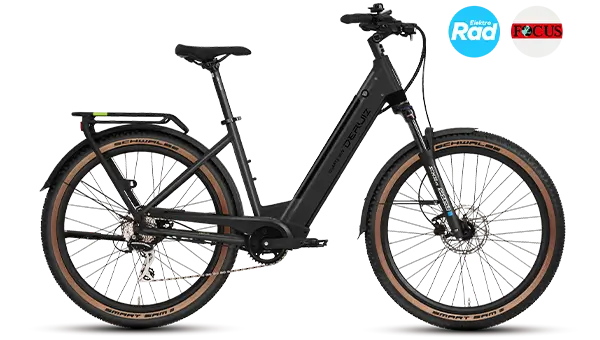
| Quartz/Marble/Mica/Mica G | 28 inch |
|---|---|
| Quartz SUV/Marble SUV/Lapis | 27,5 inch |
| Peridot | 22 inch |
| Tourmali | 700C |
If the wheel diameter has been left unchanged and at the factory setting, please contact us at [email protected] Please tell us about the problem, take a photo of the wheel setting on the display, the frame number, the purchase platform and order number so that we can help you.
Please check the following first:
1. Download the correct app: We offer the Deruiz App and the Deruiz Ebike App – please scan the QR code on the product details page of our website to download the correct app. Instructions for connecting can be found here. Blog.
2. Already connected to another phone: If the display was previously connected to another smartphone and the connection was not disconnected, this may prevent it from connecting to your phone. In this case, please reset the Bluetooth connection.
3. If the display still cannot connect to the app, please contact us at [email protected] Please tell us about the problem, the frame number, the purchase platform and order number so that we can help you.
This is a normal setting. To prevent forgetting to turn it off, the display switches off automatically when the bicycle is stationary. If you don't need this function or want to extend the time, you can change it in the display settings.
A: The trip odometer resets after the trip ends, while the total odometer reading remains unchanged. This is normal behavior. However, should you experience further odometer reading losses, please contact us at [email protected] Please tell us about the problem, the frame number, the purchase platform and order number so that we can help you.
Different codes indicate different problems with the bicycle. If the display showing numbers is not working normally, please contact us at [email protected] Please tell us about the problem, a photo or video of the error code, the frame number, the purchase platform and order number so that we can help you.
This means the folding mechanism is a bit dry. Please apply some lubricating oil to the folding axle; the noise should then disappear.
11. Please proceed as follows, depending on the type of noise you hear:
1. If the disc brake makes a rattling noise:
Adjust the brake caliper and check if the noise disappears.
Instructional video: https://www.youtube.com/watch?v=6cGXLjnPols.
2. If the disc brake makes a sharp noise:
There is probably oil or dirt on the brake disc. Clean the brake disc with water or a suitable cleaning agent and clean or sand the brake pads.
If the problem persists, please contact us at [email protected] Please tell us about the problem, provide a video of the noise, the frame number, the purchase platform and order number so we can help you.
Please follow these steps to determine whether the problem is caused by the pedal or other components:
1. Turn only the pedal and check if any noises occur;
2. Turn only the crank and check if any noises occur.
Please contact us at [email protected] Please tell us about the problem, the videos of the above-mentioned tests, the frame number, the purchase platform and the order number so that we can help you.
Please perform the following steps first:
1. Check if the charger's indicator light is working normally.
2. Press the button on the battery and observe whether the indicator light illuminates and what color it shows.
Please contact us at [email protected] Please tell us about the problem, the results of the above tests (picture or video), the frame number, the purchase platform and the order number so that we can help you.
Please follow these steps to complete the setup:
1. Turn off the front fork suspension and check if the problem is resolved.
2. Check the screws on the stem and headset. If they are too tight, they must be removed and reinstalled for proper adjustment.
Of course, the height adjustment varies depending on the bicycle model:
1. At the Quartz-MModel: You can adjust the height according to the Tutorial video to adjust.
2. For the Turmali model: Handlebar spacers were included with the purchase. If you wish to raise the handlebars, you can replace the currently installed thin spacer with a thicker one.
To do this, carefully loosen the screws on the handlebars, slightly lift the stem, and replace the thin spacer with the thicker one. Then tighten the screws again. We have included some pictures here for illustration.
attached.
The light fails, or both the front and rear lights are affected.
Please contact us at [email protected] Please tell us about the problem, the results of the above tests (picture or video), the frame number, the purchase platform and the order number so that we can help you.
Please first adjust the derailleur accordingly. Tutorial video Should the problem persist, we recommend that you visit a workshop to have the settings professionally checked.
18. Please check the problem as follows:
1. Press and hold the [-] button on the display to switch to push mode and check if the motor assistance is activated.
2. Observe the rear light of the bicycle (while riding and when stationary) to see if it stays on continuously.
3. Disconnect the brake cut-off line and check if the assistance is restored.
Please contact us at [email protected] Please tell us about the problem, the results of the above tests (picture or video), the frame number, the purchase platform and the order number so that we can help you.